For a Hindi Outlook draft, use Baani Desktop in a supported editable field or dictate in Baani's browser workspace and paste the reviewed result. Outlook versions and fields differ, so retain copy/paste as the reliable fallback. This is a workflow guide, not a claim that every Outlook version was tested.
Hindi Voice Typing in Outlook on Windows
· 2 min read · Baani AI
Choose desktop insertion or copy and paste
Use the Windows download for global-shortcut dictation. Keep Baani running and focus a normal draft field. For browser dictation, use Hindi-selected entry, then copy the finished text into Outlook yourself. Neither path sends mail automatically.
Set Hindi and your output mode
Choose Hindi for the intended Hindi-script workflow. If you want Roman Hinglish, select the corresponding output option shown by the current selector. Check the setting before starting; formatting is not an automatic translation command. Desktop Home includes language, formatting and tone controls together.
Dictate the subject and message separately
Draft the subject first, review it, then move focus to the message body. Speak the purpose and next action in complete thoughts. Stop recording before changing applications. An illustrative task is to thank a supplier and ask for a delivery date; use harmless content for your first setup check.
Review names, dates and attachments
Check the recipient, currency amounts, negations and attachment references. Baani does not inspect the mail draft to confirm that a file is attached. The email-reply guide contains an illustrative draft and review sequence.
When insertion does not work
Look for the completed text in Baani before recording again. Recover it and paste into the editable field. Protected fields, focus changes or application restrictions can prevent insertion even when processing succeeded. Follow text-insertion recovery rather than repeatedly consuming words on the same draft.
Choose suitable access
The two-day trial includes 500 dictation words. A ₹99 pack provides 5,000 non-expiring words and basic cleanup, but not advanced formatting. Starter is ₹199 for 30 days; Pro and Ultra include advanced formatting. Compare plans. Paid access begins after manual UPI verification.
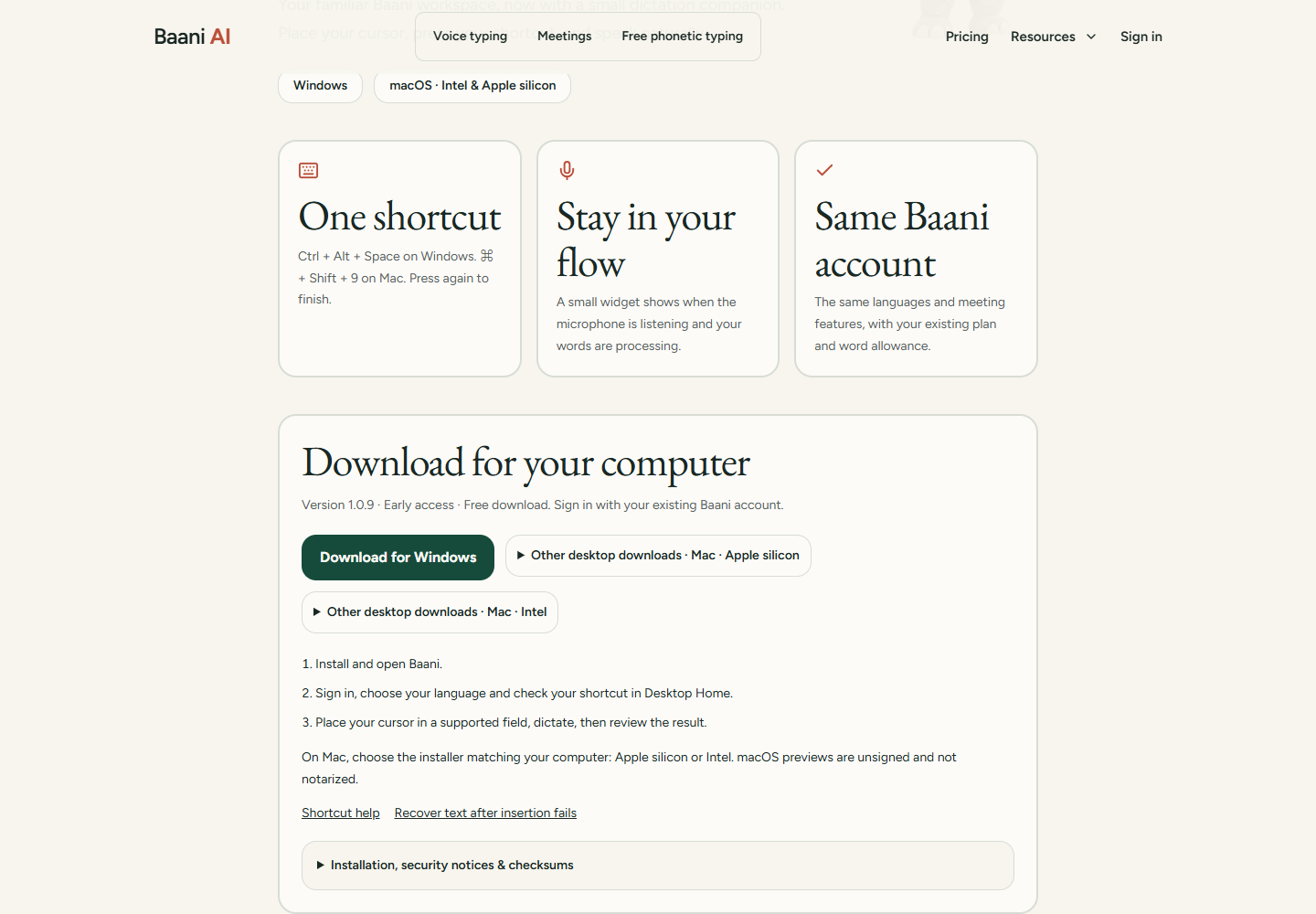
Set up dictation where you write
Choose Windows or the appropriate Mac preview. Desktop dictation uses your global shortcut; phonetic typing remains a browser tool.
Review the result before sending it. Your existing trial or paid plan limits apply.
Which offer fits this task?
Occasional messages and notes: ₹99 for 5,000 dictation words. No expiry; repeat purchases allowed. Excludes meetings and advanced formatting.
Regular dictation starts at ₹199 for 30 days. Pro and Ultra add advanced formatting. Compare subscriptions.
Pay by UPI, submit the transaction ID and wait for manual verification before access is activated. A pending submission is not paid access.