Baani's upload limit is 100 MB. Recording duration is a separate restriction: a small file can still exceed your plan's permitted length. Read the validation message before changing or processing the recording, and keep the original file.
Meeting Recording Too Large to Upload? Baani’s File Limits
· 2 min read · Baani AI
File size and duration are separate limits
The two-day trial includes two meetings up to 20 minutes each. Starter permits up to 60 minutes per meeting, Pro 90 and Ultra 120. All retain the upload-size limit. Deleting a processed trial meeting does not restore its allowance, and the ₹99 dictation pack does not unlock uploads.
Check the original recording
Use the file's properties and original player to confirm size, duration and that the intended voices exist. A corrupted or silent file needs a different remedy. MP3, WAV, M4A, WebM and MP4 are accepted formats; a filename alone does not establish compatible audio content.
Export an appropriate audio file
If you own or are authorized to use the recording, check the recording application's export controls for a supported audio option. Removing unneeded video can reduce file size, but Baani does not provide an on-site compression utility or guarantee the result of another tool's conversion. Listen to the exported file before uploading. Renaming .mp4 to .mp3 does not convert it.
Trim only material you do not need
Retain context around decisions and commitments. If an authorized local editor is used, keep the original and document any omitted portion. Avoid uploading confidential recordings to an unrelated online compressor merely to meet a size limit.
Splitting recordings and allowances
Separate uploads remain separate processing tasks. Do not split a recording to bypass duration or trial restrictions; choose suitable access and check how many meetings remain. When combining notes manually, preserve the source of each passage and review cross-segment context.
Upload and review
Open upload mode, select the main language, choose the prepared file and start processing yourself. Review the transcript before sharing notes. Use the M4A walkthrough for that format and pricing details for current recording tiers.
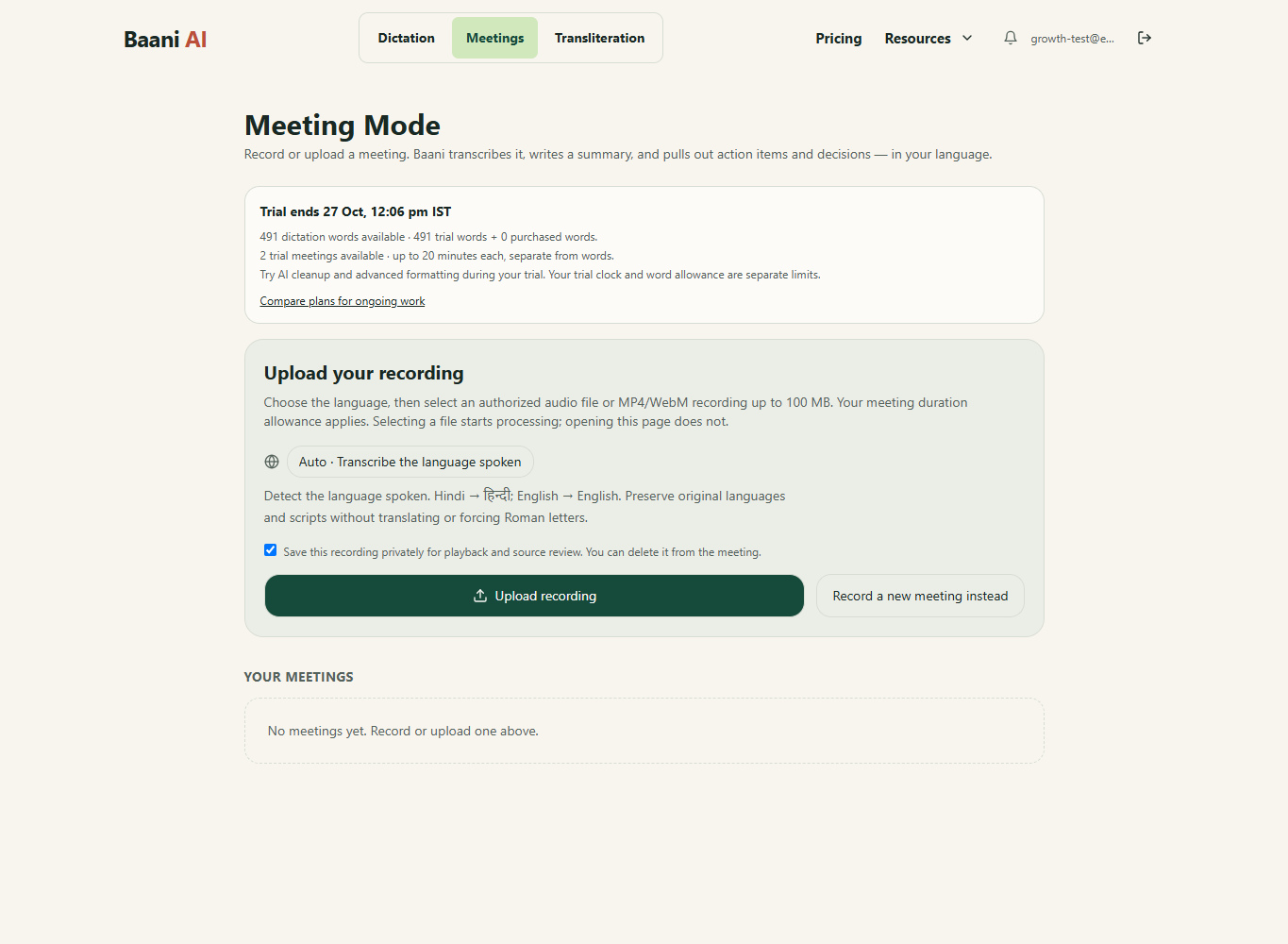
Turn the recording into reviewed meeting notes
Sign in, choose an authorized recording and review its transcript, summary and action items. The 2-day trial includes 2 meetings of up to 20 minutes each; uploads use meeting access, not dictation words.
Review the result before sending it. Your existing trial or paid plan limits apply.
Which offer fits this task?
For recorded meetings, compare Starter: up to 60 minutes per recording; Pro: up to 90 minutes per recording; Ultra: up to 120 minutes per recording. The word pack does not include meetings. Compare meeting plans.
Pay by UPI, submit the transaction ID and wait for manual verification before access is activated. A pending submission is not paid access.