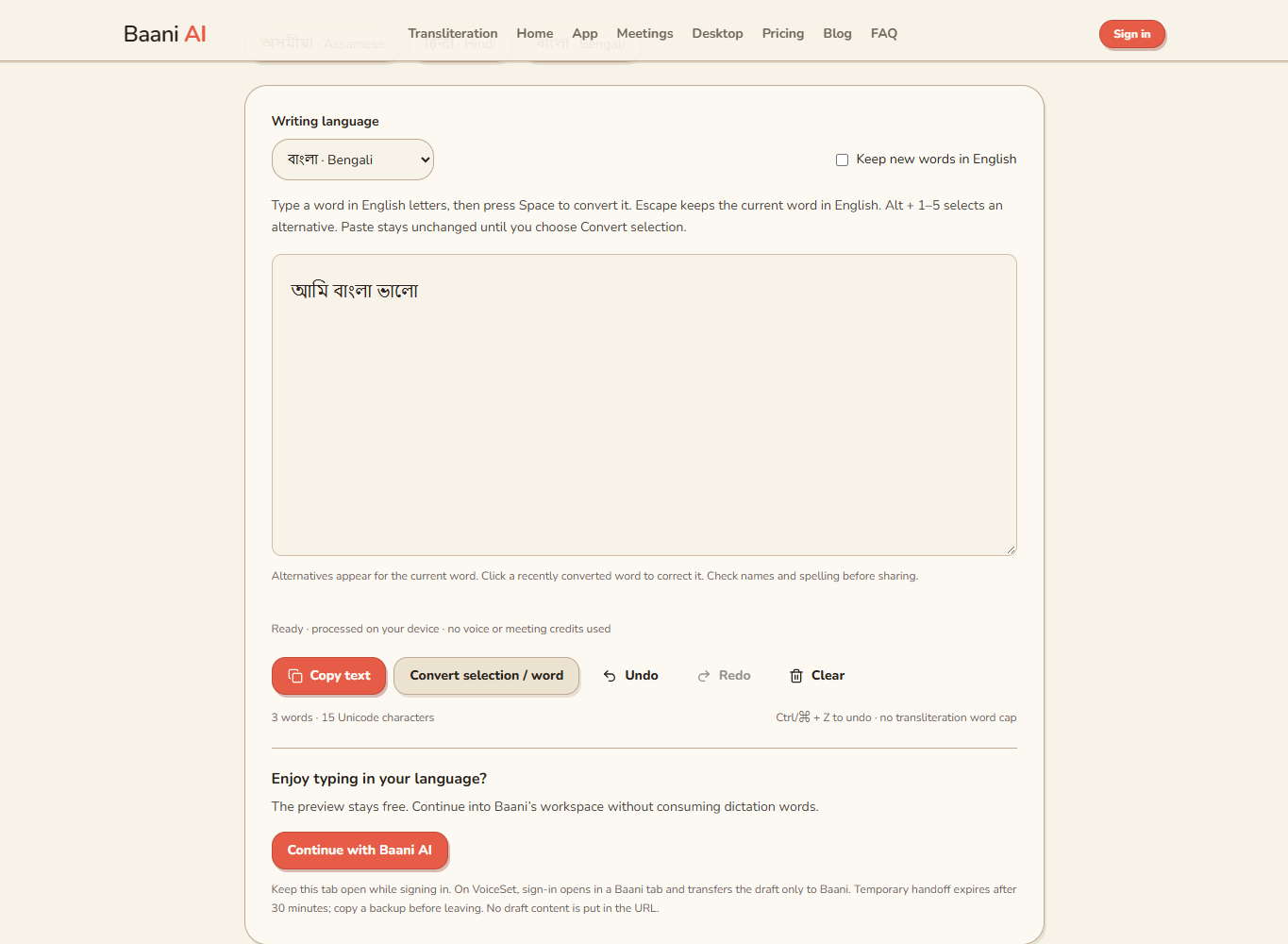
To write Bengali from English letters, choose Bengali phonetic input and type the pronunciation of each Bengali word. In Baani, ami produces আমি and bangla produces বাংলা. You are changing the writing script, not translating an English sentence into Bengali.
Bengali Typing With English Letters: From Ami to an Editable Draft
· 2 min read · Baani AI
Build a short Bangla draft first
Open Bengali phonetic typing, focus the writing area and allow the local model to load. First use downloads approximately 29 MB of model and runtime files. Type ami, press Space, then try amar or bangla. These are small typing examples, not a promise about every name or regional pronunciation.
Start with a message or a note you understand well. A short draft makes it easier to learn the candidate controls before preparing a longer document. You do not need an account or a microphone to try the editor.
Review the word rather than the Roman spelling alone
Romanised Bangla is not one universal spelling system. A model may choose a different written word from the one you intended. Click a recently converted word for alternatives, choose a candidate, or edit the Bengali text directly. Use Undo if a correction makes the passage worse.
Check vowel signs, conjuncts and names in their surrounding sentence. A fluent-looking line can still contain an incorrect institution name or an unintended word. When a spelling matters publicly, compare it with a trusted source or ask a competent Bengali editor.
Mix English without losing control
For one English word, press Escape before committing it with Space. For a course title, quotation or longer English passage, enable Keep new words in English and turn it off when returning to Bangla. Email addresses, URLs and numeric identifiers should be checked exactly after copying.
Pasting a paragraph leaves it unchanged. Select the Roman portion you want converted, choose Convert selection / word, and inspect the result. Do not select an English quotation simply because it sits inside a Bengali paragraph.
Move the text into your real workflow
- Read the complete draft in the editor.
- Choose Copy text; if clipboard access is denied, select and copy manually.
- Paste into the document or message composer.
- Inspect spelling, line breaks and punctuation in the destination.
- Save that document before closing the typing page.
See the Bengali Unicode copying guide if the destination shows boxes or an unexpected font. The browser editor does not save a document to your account history. It also is not a system-wide Bengali keyboard.
For an audio recording, Bengali voice typing or meeting transcription is the relevant workflow. Local phonetic typing does not consume dictation words or meeting allowances; audio processing keeps its existing trial and paid limits.
Turn your typed words into a draft
Type using English letters, review the script and copy. Free local conversion; no voice or meeting credits used.
No signup is needed to try typing. Review names and spellings before sharing.